%20scale(1.06239)'%3e%3cpath%20d='M%2059.92%20400%20L%2060.38%20397%20L%2062.39%20389%20L%2065.15%20380.86%20L%2068.32%20373.65%20L%2070.09%20370.31%20L%2075.46%20362.18%20L%2080.87%20356.21%20L%2085.64%20352.28%20L%2089.04%20350.1%20L%2095.4%20347.16%20L%2098.5%20346.3%20L%20103.22%20345.62%20L%20108.78%20345.62%20L%20113.5%20346.3%20L%20118.9%20347.87%20L%20123.15%20349.75%20L%20128.71%20353.14%20L%20133.69%20357.23%20L%20136.85%20360.43%20L%20141.21%20365.79%20L%20144.53%20360.91%20L%20147.32%20357.43%20L%20151.8%20352.78%20L%20155.29%20349.84%20L%20158.35%20347.71%20L%20163.53%20344.92%20L%20167.38%20343.43%20L%20171.61%20342.36%20L%20177.27%20341.77%20L%20182.29%20342.03%20L%20188.62%20343.43%20L%20194.53%20345.91%20L%20200.71%20349.84%20L%20206.14%20354.66%20L%20211.09%20360.41%20L%20214.5%20365.33%20L%20218.99%20359.49%20L%20224.06%20354.42%20L%20229.66%20350.2%20L%20233.73%20347.9%20L%20239.38%20345.63%20L%20245.82%20344.26%20L%20250.7%20344.02%20L%20257.61%20344.84%20L%20263.04%20346.48%20L%20269.38%20349.6%20L%20275.18%20353.77%20L%20280.44%20358.85%20L%20283.47%20362.48%20L%20287.36%20368.8%20L%20290.7%20376.04%20L%20293.79%20384.86%20L%20301.01%20380.64%20L%20308.1%20375.51%20L%20315.26%20369.43%20L%20324.27%20360.56%20L%20329.69%20354.62%20L%20336.93%20346.04%20L%20344.19%20336.77%20L%20357.3%20319.12%20L%20364.84%20309.98%20L%20372.03%20301.95%20L%20381.63%20291.34%20L%20390.57%20282.62%20L%20397.18%20276.87%20L%20398%20276.6%20L%20399.13%20277.18%20L%20399.4%20278%20L%20399.13%20278.82%20L%20390.55%20286.45%20L%20383.65%20293.27%20L%20375.31%20302.52%20L%20371.24%20308.03%20L%20366.08%20315.65%20L%20360.81%20324.13%20L%20349.82%20344.08%20L%20340.73%20359.34%20L%20333.13%20370.78%20L%20325.34%20381.06%20L%20316.04%20391.47%20L%20306.88%20399.8%20L%20298.76%20405.64%20L%20294.55%20408.15%20L%20289.47%20410.67%20L%20286%20411.22%20L%20282.53%20410.67%20L%20279.41%20409.07%20L%20276.93%20406.59%20L%20270.77%20393.17%20L%20267.61%20387.7%20L%20264.44%20383.24%20L%20259.86%20377.84%20L%20256.17%20374.43%20L%20253.11%20372.67%20L%20250%20372.02%20L%20247.75%20372.36%20L%20244.93%20373.68%20L%20241.42%20376.49%20L%20238.83%20379.4%20L%20234.81%20385.46%20L%20232.2%20390.65%20L%20229.73%20396.77%20L%20227.31%20404.33%20L%20225.33%20408.23%20L%20222.23%20411.33%20L%20218.33%20413.31%20L%20214%20414%20L%20209.67%20413.31%20L%20205.77%20411.33%20L%20202.67%20408.23%20L%20200.69%20404.33%20L%20198.2%20396.13%20L%20195.7%20389.59%20L%20191.68%20381.63%20L%20188.95%20377.55%20L%20185.07%20373.23%20L%20181.78%20370.85%20L%20178.64%20369.8%20L%20175.95%20370.1%20L%20173.21%20371.45%20L%20169.68%20374.44%20L%20167.05%20377.55%20L%20162.96%20384.04%20L%20160.3%20389.59%20L%20157.8%20396.13%20L%20155.31%20404.33%20L%20153.33%20408.23%20L%20150.23%20411.33%20L%20146.33%20413.31%20L%20142%20414%20L%20137.67%20413.31%20L%20133.77%20411.33%20L%20130.67%20408.23%20L%20128.69%20404.33%20L%20126.33%20397.21%20L%20123.88%20391.37%20L%20119.97%20384.27%20L%20117.33%20380.64%20L%20113.53%20376.78%20L%20110.23%20374.6%20L%20106.76%20373.55%20L%20105.24%20373.55%20L%20102.06%20374.13%20L%2098.76%20375.51%20L%2094.69%20378.5%20L%2091.7%20381.55%20L%2088.6%20385.51%20L%2085.49%20390.4%20L%2082.47%20396.23%20L%2078.15%20405.92%20L%2075.92%20408.15%20L%2073.11%20409.59%20L%2070%20410.08%20L%2066.89%20409.59%20L%2064.08%20408.15%20L%2061.85%20405.92%20Z'%20fill='%2316151A'%20fill-opacity='0.9'/%3e%3cpath%20d='M%20412%2068%20C%20412%20150.88%20430.72%20180%20484%20180%20C%20430.72%20180%20412%20202.36%20412%20266%20C%20412%20202.36%20394.32%20180%20344%20180%20C%20394.32%20180%20412%20150.88%20412%2068%20Z'%20fill='url(%23ember)'/%3e%3c/g%3e%3c/svg%3e)
There’s good
in your day.
Find a little.
A place for your thoughts. A kinder way to look back. Glimmer helps you notice the moments worth keeping.
Your day. Your words. A little more perspective.
A small moment. Worth keeping.
A little less noise.
A little more you.
You don’t need the perfect words. Just a few honest ones.
Glimmer gives them a place to land.
Let the day
off your mind.
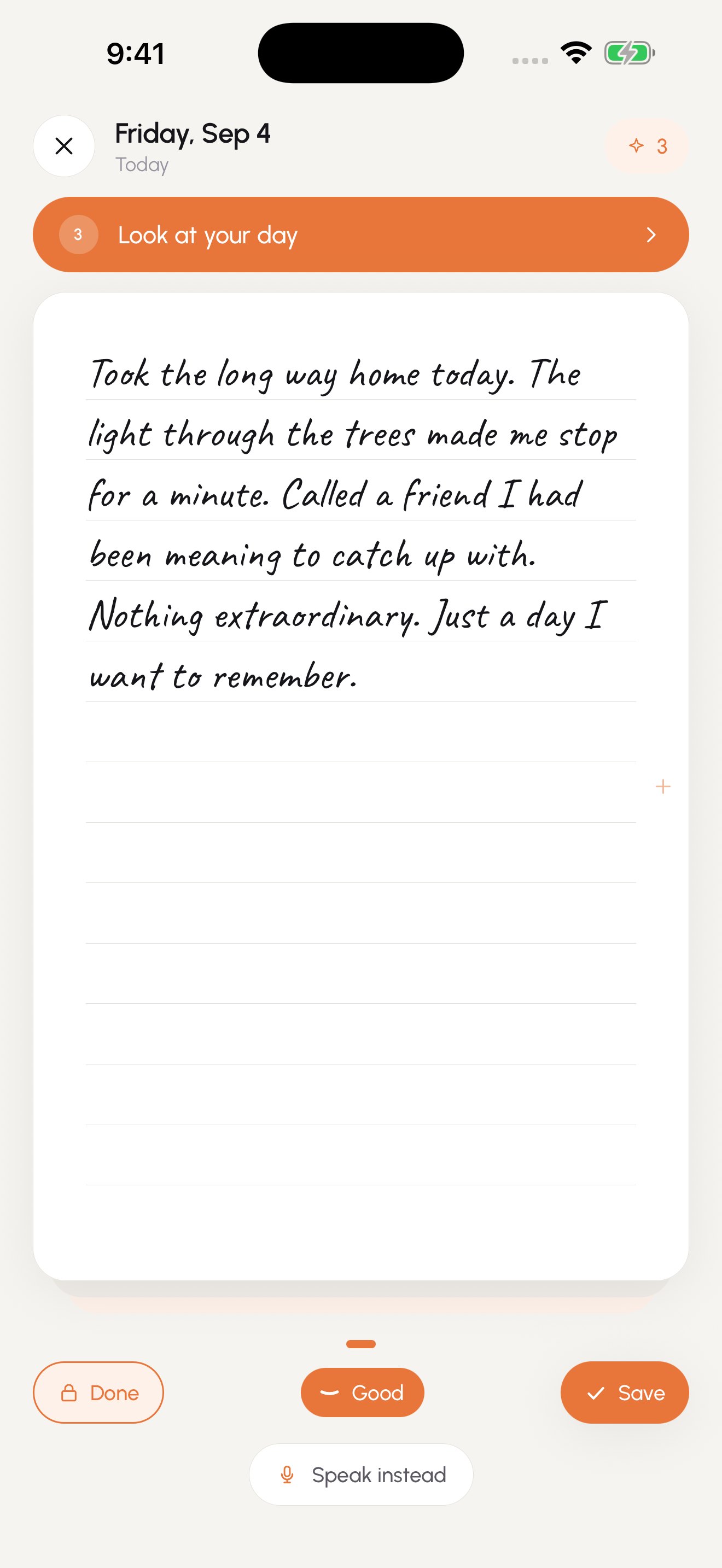
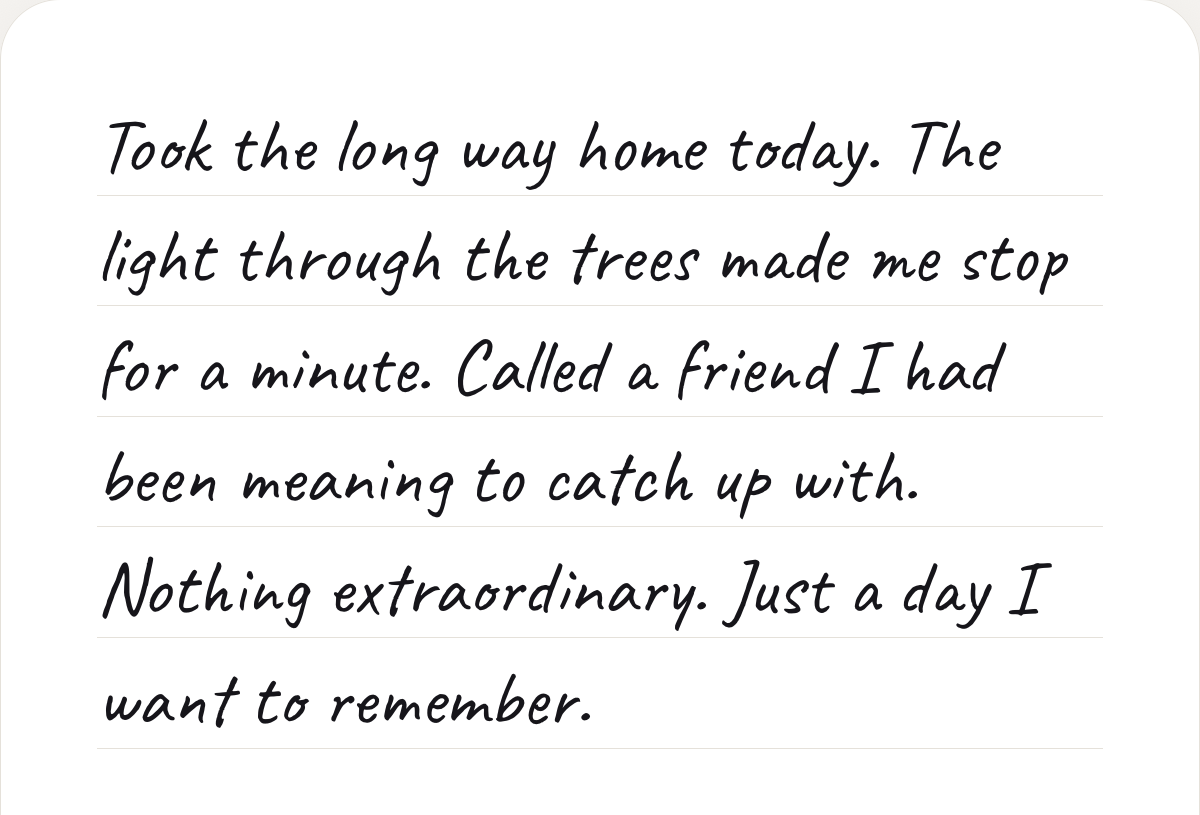
Write on a stack of cards, in a handwriting style that feels like you.
See what
went right.
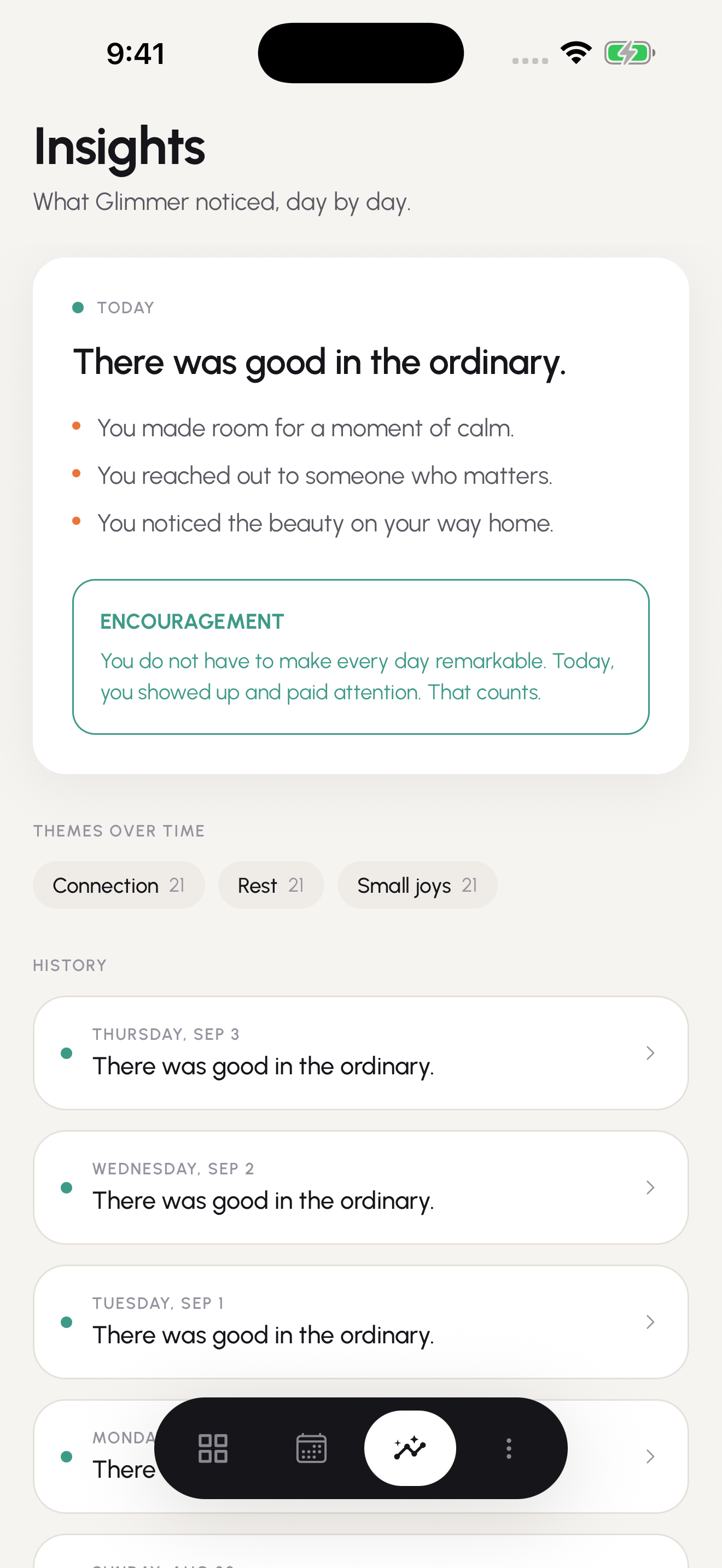
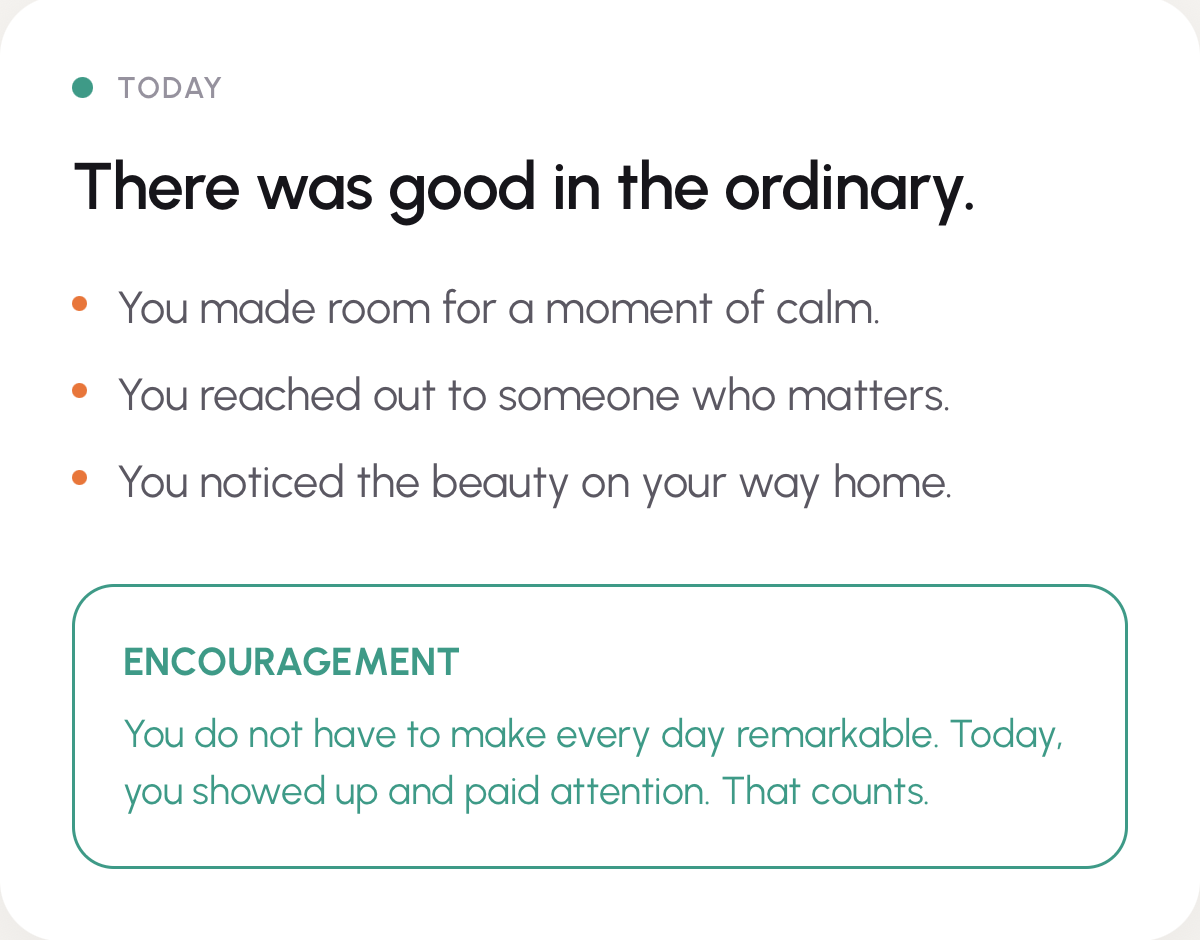
Thoughtful AI reflections help you notice the bright spots in an ordinary day.
Your days,
adding up.
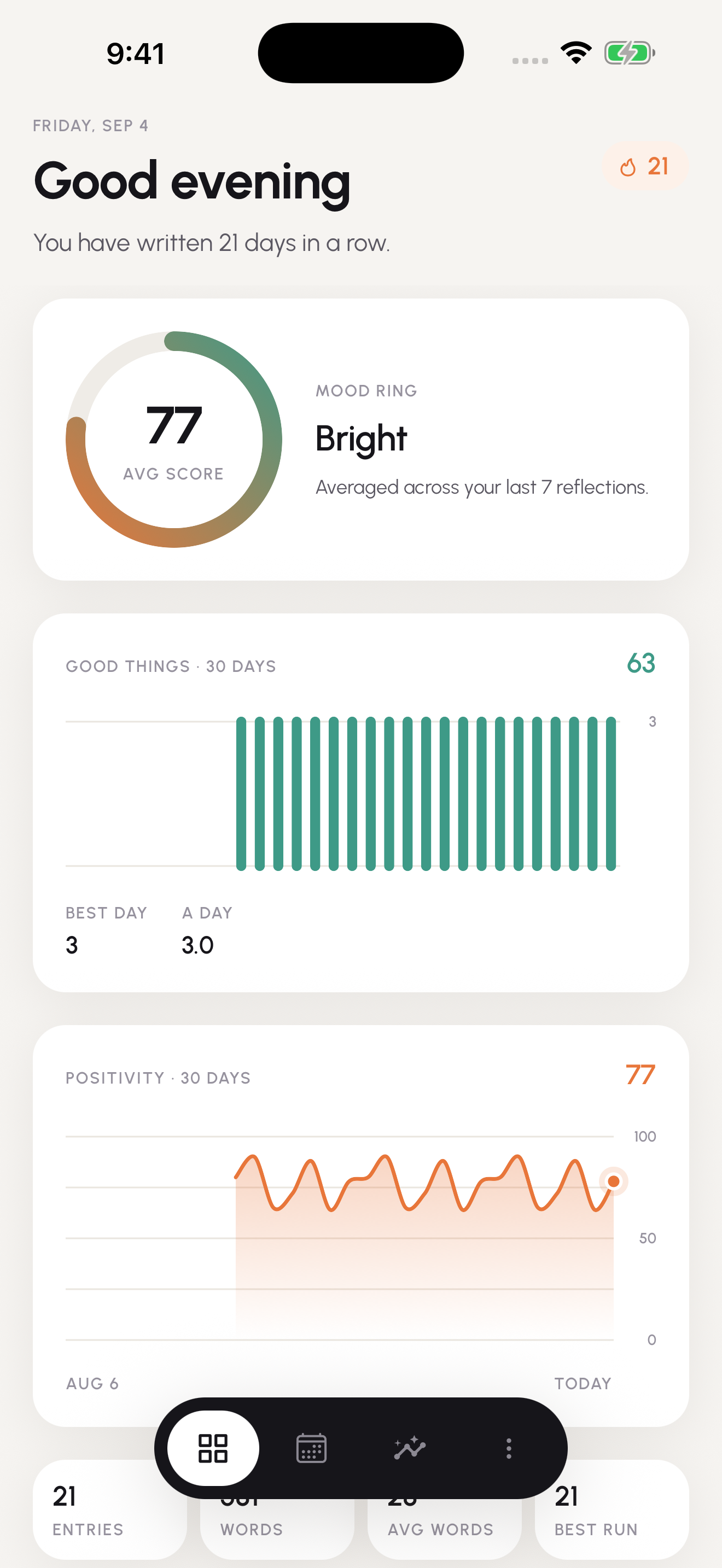
Look back at your journal and discover the patterns taking shape.
Make a little room
for yourself.
A quiet ritual for the end of the day. Somewhere to return, whenever you have something to say.
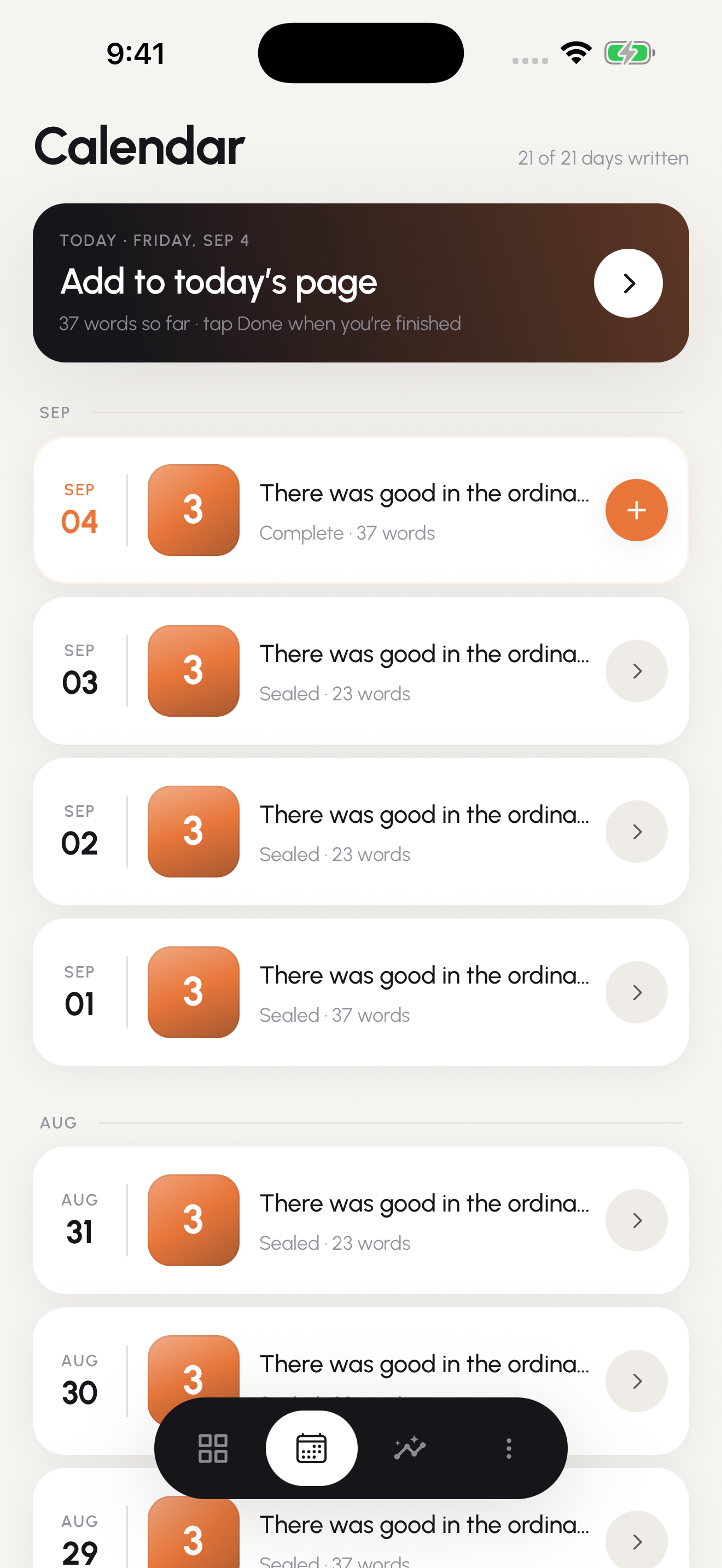
- Keep the small thingsFind your past entries in a calendar of your days.
- Hear your own wordsListen to your writing with read-aloud voices.
- Make the page yoursChoose your handwriting font, text size, and light or dark appearance.
Your journal starts
with you.
Start writing without an account. Here is exactly what stays on your phone, and the few things that leave it.
Read the privacy policy
- Your entries live on your phone.Everything you write is saved on the device first, in the app’s own storage, protected by your phone’s lock. No account needed.
- Reflections are your choice.Only when you seal a day, and only if AI reflections are on, that day’s writing goes to our server and an AI provider to write your reflection. It isn’t stored by us, and it’s never used to train models. Glimmer asks first, and you can turn reflections off in Settings.
- Sync is end-to-end encrypted.With Glimmer Plus, the cloud copy is encrypted on your phone before it leaves. We can’t read it.
- Ads never see your writing.The free version’s ads are non-personalised, and nothing you write goes into an ad request.
- Analytics carry no writing.Usage and crash data are counts and labels, never your words — and you can switch them off in Settings.
- Voice and dictation stay on the phone.Read-aloud runs on your device. Dictation uses your phone’s own speech recognition, on-device wherever your phone supports it.
Free to write.
Plus for a little more room.
Your whole journal is free, forever. Glimmer Plus adds space, sync, a voice you choose, and an ad-free page.
Free
$0
Always
- Your whole journal, on your phone, for as long as you keep the app
- Up to 5 pages and 5,400 characters a day
- AI reflections when you seal a day, if you turn them on
- Read-aloud voice, dictation, app lock, and export
- Ads: a small ad card on the dashboard and Insights, a banner in the calendar, one after you seal a day, and an optional ad to watch to reopen a sealed day for editing. Never while you write
Glimmer Plus
$4.99 / month
or $29.99 a year — about $2.50 a month
- Everything in Free, with no ads
- Up to 10 pages and 10,800 characters a day
- Edit any day after you’ve sealed it
- Hear your day from someone who loves you: a partner, parent, best friend or mentor
- One fresh reflection a day for a day you changed
- End-to-end encrypted cloud sync across your devices
Prices are in US dollars and may vary by region; the store shows the exact price before you buy. Glimmer Plus is charged by Apple or Google, needs an account, and renews automatically until you cancel it in your store settings. See the terms of use.
A few things to know.
Do I need an account to write?
No. You can start a journal without signing in. An account is used for features such as subscription-based cloud sync.
What does a reflection do?
When you seal your day, Glimmer can use AI to reflect on your entry, identify bright spots, and offer encouragement. It asks before the first one, and you can turn reflections off in Settings — or report one that misses the mark. Reflections are for personal reflection and are not professional mental health care.
Can I write offline?
Yes. Your entries save locally. Cloud sync and AI reflections require an internet connection.
Can I take my writing with me?
Glimmer includes export options in Settings, so you can keep a copy of your journal outside the app.
Your day deserves
a little Glimmer.
A journal that helps you find the good.
Coming to theApp Store
Coming toGoogle Play
Look for Glimmer: Daily Journal. Store links will be available here when Glimmer launches.