Study smarter.
Score higher.
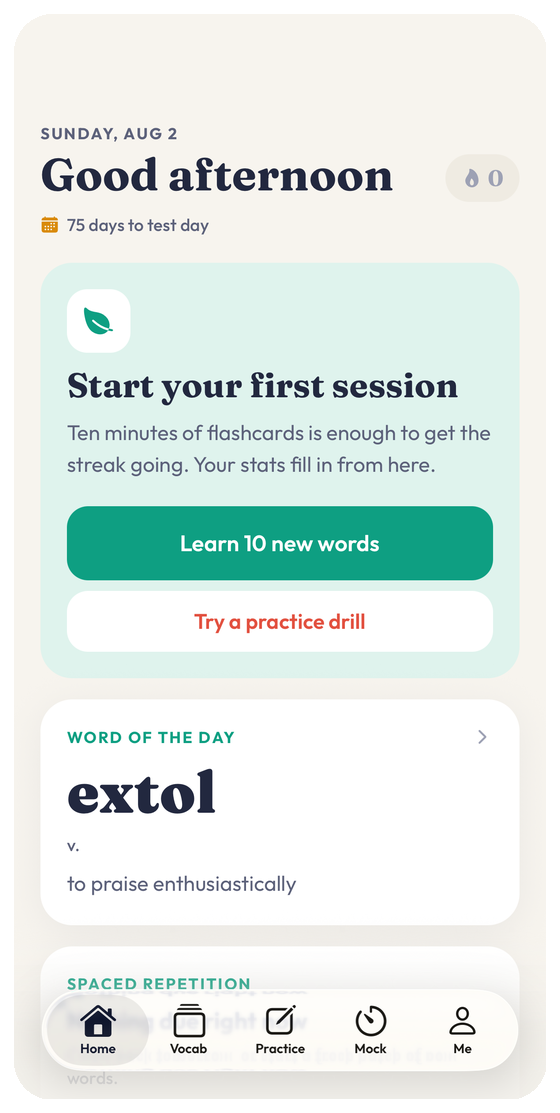
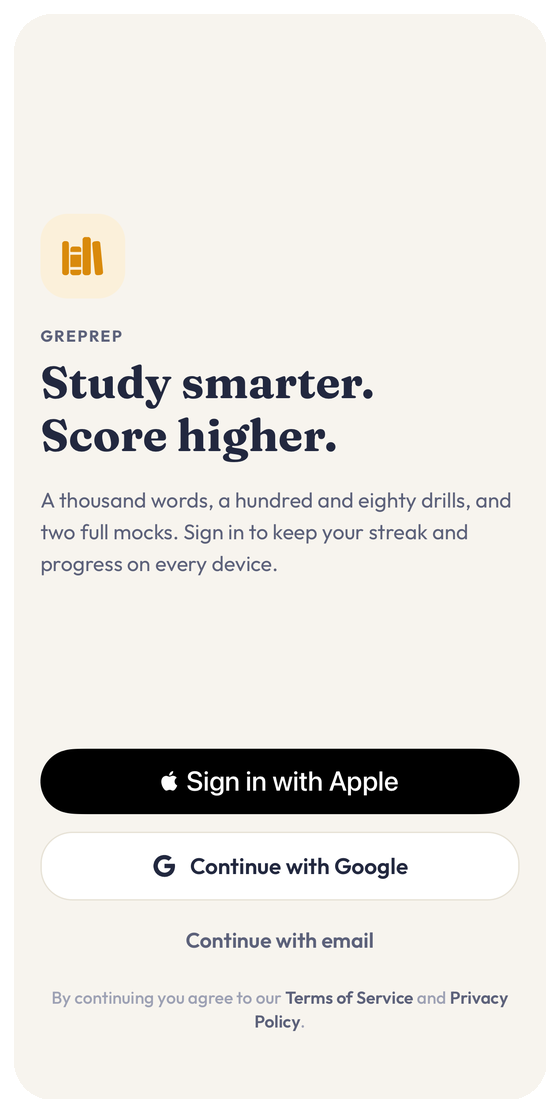
1,177 words taught in meaning clusters, 186 drills with worked solutions, and two full adaptive mocks — all of it working offline, on your phone.
iPhone · iOS 16.4 or later · free · no ads, no tracking for advertising
Built for the way the test actually works
Every piece of content is original, written for this app, and available without a connection.
Meaning clusters, not word lists
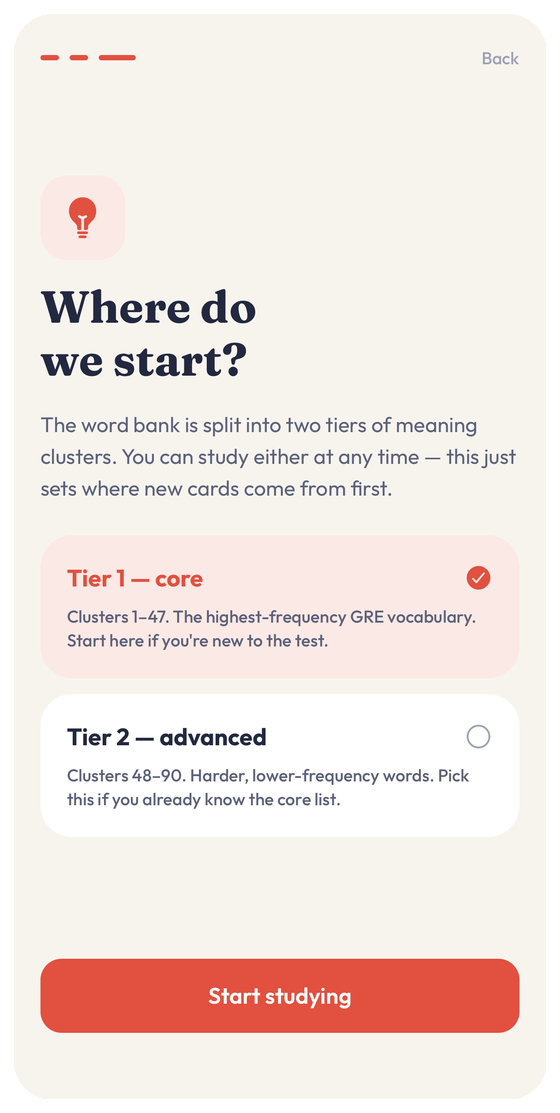
1,177 words grouped into 93 decks by what they mean, so near-synonyms are learned together and told apart — the way the test actually probes them.
Spaced repetition that respects your time
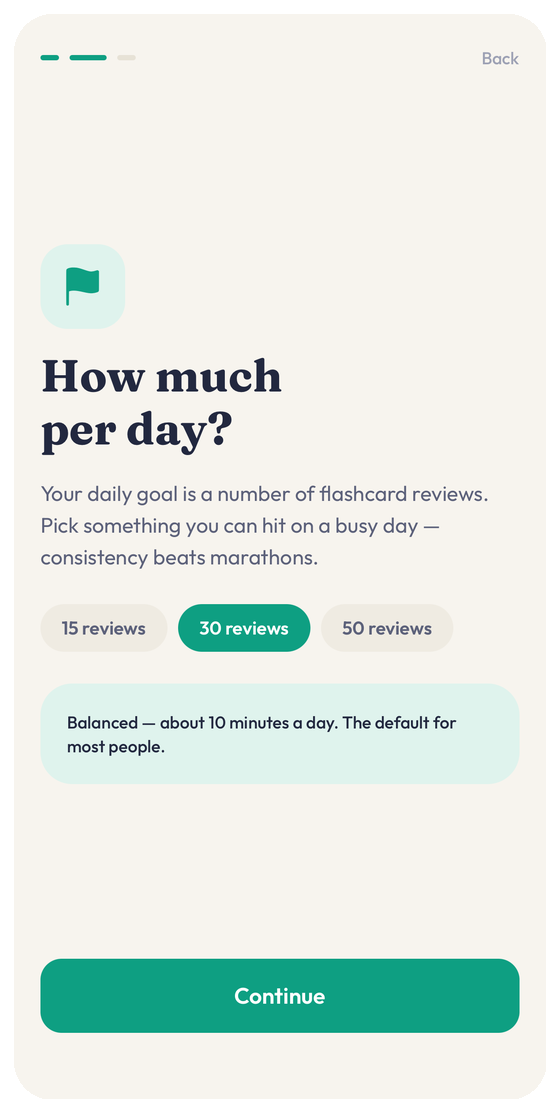
An SM-2 scheduler shows each card exactly when you are about to forget it. A ten-minute session is a real session, not a token one.
Drills with worked explanations
186 original practice questions across every GRE question type, each with a full solution that explains the reasoning rather than just naming the answer.
Two full-length adaptive mocks
Section-adaptive, properly timed, and reviewable question by question afterwards — including the ones you got right for the wrong reason.
A written guide, not a video course
11 chapters covering strategy and content for both sections, readable offline and searchable from inside the app.
Everything works offline
All content ships inside the app. Study on a plane, on the subway, or anywhere with bad signal; your progress syncs when you reconnect.
A calm place to study
Warm paper, ink navy, one accent colour per subject — designed to be readable for hours.
Your studying is your business
No advertising, no advertising identifier, and nothing sold to anyone. Analytics is aggregate only and can be switched off in Settings. You can delete your account and its server backup from inside the app, without emailing anyone.
Privacy Policy
Last updated August 2, 2026
GREPrep is a GRE study app. This policy explains what we collect, why we collect it, where it is stored, and how you can remove it. We have tried to keep it short and specific rather than broad and defensive.
If anything here is unclear, write to us at bitlitic@gmail.com and we will answer.
Information you give us
When you create an account we collect the identifiers needed to sign you in and personalize your study plan:
- Email address.
- First and last name.
- Date of birth, used to confirm you are old enough to use the app.
- A sign-in provider identifier when you use Sign in with Apple or Sign in with Google. We receive the identifier and the email that provider releases to us — we never receive your provider password.
Information created as you study
To make the app work across your devices and to show accurate progress, we store the study data your sessions produce:
- Flashcard scheduling state — which words you have seen, how you rated them, and when each card is next due.
- Practice drill results — questions attempted, answers chosen, correctness and timing.
- Mock test results — section scores, per-question responses and review notes.
- Your app settings — daily goal, new cards per day, starting tier, test date, text size, haptics and timer preferences, and your reminder preferences including the time of day you chose to be reminded.
Where your data is stored
Account and study data is stored in Google Cloud Firestore on servers located in the United States. Access is restricted by security rules so that a signed-in account can read and write only its own records.
A copy of your study data is also kept on your device so the app works offline.
Study reminders are scheduled and delivered entirely on this device — we do not send push notifications from our servers.
Analytics
We use Google Analytics for Firebase to understand how the app is used in aggregate — for example, which study modes people finish and where sessions are abandoned. This collects your device model, operating system version, and app events such as screen views and session starts.
Analytics is enabled by default when you install the app. You can turn it off at any time in Settings, under Account, using the "Usage analytics" switch; turning it off stops collection from that point onward on that device.
- No advertising identifier (IDFA) is collected.
- The app contains no advertising.
- Analytics data is never used for advertising.
- We do not sell your personal data.
- We do not share your personal data with third parties for advertising or cross-app tracking.
Why we are allowed to process this data
We process account identifiers and study data because they are necessary to provide the service you asked for — an account you can sign into and progress that persists. Analytics is enabled by default rather than collected after a consent prompt; it carries no advertising identifiers and is never used for advertising, and you can turn it off at any time with the "Usage analytics" switch in Settings under Account.
We do not use your data for automated decision-making or profiling beyond scheduling the flashcards you study.
How long we keep it
Account and study data is retained until you delete your account. We do not keep dormant accounts on a schedule of our own choosing, and we do not archive deleted data for later use.
Aggregated analytics that can no longer be linked to you may persist in Google Analytics for Firebase according to its own retention window.
Deleting your data
You can delete your account from inside the app: open Settings and choose Delete account. This permanently removes your profile and the backup of your study data from our servers. The action cannot be undone and no separate request or email is required.
Deleting your account is a request to our servers, so it needs an internet connection — if you are offline, the deletion will not go through and you can try again once you are back online.
Data held locally on your device is removed when you delete the app from that device.
Your rights
Depending on where you live, you may have the right to access, correct, export or delete the personal data we hold about you, and to object to or restrict certain processing. Deleting your account satisfies a deletion request in full. For any other request, contact us and we will respond.
Children
GREPrep is intended for graduate school applicants and is not directed at children. Children under 13 are not permitted to create an account, and we do not knowingly collect personal data from anyone under 13. If we learn that we have, we will delete the account and its data promptly.
Security
Data is transmitted over encrypted connections and stored on Google Cloud infrastructure with access controlled by per-account security rules. No system is perfectly secure, but we limit what we collect so that there is less to lose.
Changes to this policy
If we change what we collect or how we use it, we will update this page and revise the "Last updated" date above. Material changes will be surfaced in the app before they take effect. Continuing to use GREPrep after a change means you accept the updated policy.
Contact
GREPrep is developed and operated by Bitlitic. For privacy questions, data requests, or corrections, email bitlitic@gmail.com.
Terms of Service
Last updated August 2, 2026
These terms are the agreement between you and Bitlitic, the developer of GREPrep, covering your use of the app. By creating an account or using GREPrep you accept them. If you do not accept them, please do not use the app.
Trademark and affiliation notice
GRE® is a registered trademark of Educational Testing Service (ETS). ETS does not endorse, sponsor, review or have any affiliation with GREPrep or Bitlitic.
All questions, passages, vocabulary entries, explanations and study guides in this app are original material written for GREPrep. We do not reproduce official ETS test content. References to the GRE are made solely to describe the exam this app helps you prepare for, under nominative fair use.
Your license to use GREPrep
We grant you a personal, non-exclusive, non-transferable, revocable license to use GREPrep for your own non-commercial study. That license does not include the right to:
- Resell, sublicense, rent or redistribute the app or its content.
- Copy, scrape or export question banks, vocabulary lists or explanations for use in another product or service.
- Use the content for classroom, tutoring or other commercial instruction without our written permission.
- Reverse engineer, decompile or attempt to derive the source code of the app, except where that restriction is prohibited by law.
Accounts
You must provide accurate information when creating an account and keep it current. You are responsible for activity that happens under your account and for maintaining the security of the device and sign-in provider you use to access it.
One account is for one person. Sharing credentials so that several people study on a single account is not permitted.
Acceptable use
You agree not to:
- Use the app for any unlawful purpose or in violation of any applicable regulation.
- Interfere with, disrupt, overload or attempt to gain unauthorized access to our systems or another user’s account.
- Upload or transmit malicious code, or use automated means to access the service at a rate beyond normal personal use.
- Misrepresent the app’s content as official test material, or use it to facilitate cheating on any examination.
No guarantee of results
GREPrep is a study tool. We do not guarantee any particular score, score improvement, admission outcome, or that any question in the app resembles a question you will face on test day. Practice results and estimated scores in the app are indicative only and are not predictions of official scores.
Disclaimer of warranties
The app is provided "as is" and "as available", without warranties of any kind, whether express, implied or statutory, including implied warranties of merchantability, fitness for a particular purpose, accuracy and non-infringement. We do not warrant that the app will be uninterrupted, error-free, or that content is free of mistakes. Some jurisdictions do not allow the exclusion of certain warranties, so parts of this section may not apply to you.
Limitation of liability
To the maximum extent permitted by law, Bitlitic will not be liable for indirect, incidental, special, consequential, exemplary or punitive damages, or for lost profits, lost data, or lost study time arising out of or relating to your use of GREPrep, even if we have been advised of the possibility of such damages.
To the maximum extent permitted by law, our total liability for any claim relating to the app is limited to the greater of the amount you paid us for GREPrep in the twelve months before the claim, or twenty-five United States dollars.
Termination
You may stop using GREPrep at any time, and you may delete your account and its data from Settings. We may suspend or terminate an account that breaches these terms, that we are required to remove by law, or where continued operation would expose us or other users to harm. Where it is reasonable to do so, we will tell you why.
Sections covering the trademark notice, disclaimers, limitation of liability and governing law survive termination.
Changes to the app and to these terms
We may add, change or remove features, and we may revise these terms. When we make material changes we will update the "Last updated" date above and notify you in the app. If you continue to use GREPrep after a change takes effect, you accept the revised terms.
Governing law
These terms are governed by the laws of the United States and of the State of Delaware, without regard to conflict of law rules. Any dispute will be brought in the state or federal courts located in Delaware, unless the mandatory consumer protection law of your country of residence gives you the right to bring it elsewhere.
Contact
Questions about these terms can be sent to bitlitic@gmail.com.
Accessibility
Last updated August 2, 2026
Studying for a graduate exam is hard enough without fighting the software. We build GREPrep to be usable with assistive technology, and we treat accessibility defects as ordinary bugs rather than as optional polish.
Our target is conformance with the Web Content Accessibility Guidelines 2.1 at Level AA, applied to a native iOS app, together with Apple’s Human Interface Guidelines for accessibility.
What the app supports today
These features are implemented and tested:
- VoiceOver labels, roles and states on every interactive control, so buttons, answer choices and toggles announce what they are and what they will do.
- Adjustable reading text size — Default, Large and Largest — in Settings. It scales the reading text in study screens: passages, question prompts, answer choices and explanations. Navigation and other interface controls keep a fixed size.
- A high-contrast paper palette: dark ink navy on warm paper, with subject accents chosen to remain distinguishable and never used as the only way to convey meaning.
- Haptics can be turned off entirely in Settings for anyone who finds vibration distracting or painful.
- No time limits anywhere outside simulated test mode. Flashcards, drills and study guides never expire or auto-advance.
- Mock tests can be paused and exited at any point, and your progress is kept so you can resume rather than restart.
- Full-screen study sessions have a clear, always-reachable exit control rather than relying on a gesture.
Known limitations
We would rather name these than let you discover them mid-session.
- Progress charts are visual. Wherever a chart appears we provide the same figures as an accessible data table or summary text, but a small number of decorative visualisations are not yet fully described.
- Timing in mock tests is inherent to test simulation — a mock cannot be untimed and still be a mock. Every other mode is untimed, and mocks can be paused or exited without losing work.
- Some third-party system components, such as the date picker, behave as iOS provides them and are outside our direct control.
- The app is currently light-theme only; a dark theme is planned but not yet shipped.
Ongoing work
Accessibility review is part of how we ship: new screens are checked with VoiceOver and at the largest supported text size before release. Where we find a gap, we fix it in the next update rather than deferring it.
Feedback
If you hit a barrier in GREPrep — anything that stops you studying or makes it harder than it should be — email bitlitic@gmail.com and tell us what happened, which screen you were on, and what assistive technology you were using.
We aim to acknowledge accessibility reports within 5 business days and to tell you either the fix or a timeline for one. Reports that block someone from studying are prioritized above feature work.
This link belongs in the GREPrep app
Email sign-in
Sign-in links open the app directly on the iPhone where GREPrep is installed.
If this page opened instead: go back to the email, press and hold the sign-in link, then choose Open in “GREPrep”. Links tapped inside the Gmail app often open here rather than in the app.
Each link works once — if it has expired, request a fresh one from the sign-in screen.